Tag: subject lines

  • A/B Test Email Subject Lines: Pain vs Outcome (Version B Guide)

    A/B Test Email Subject Lines: Pain vs Outcome (Version B Guide)

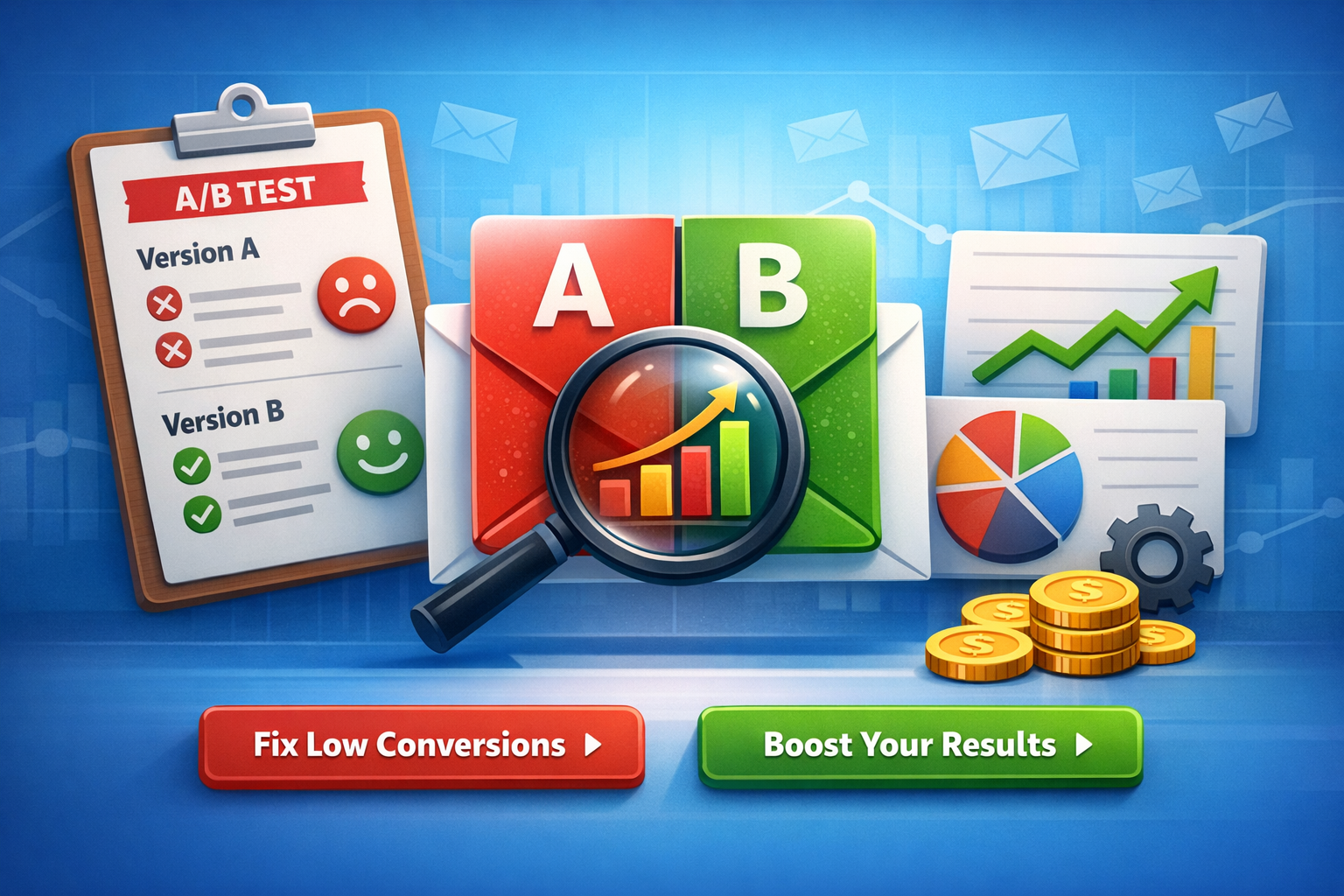
    If you want faster wins in email performance, A/B test email subject lines by changing only one lever at a time—angle. In this guide, you’ll create Version B variations from two proven angles: pain-led (what they’re struggling with) and outcome-led (what they’ll gain). You’ll also get ready-to-use subject + preview + CTA packs and a quick “who it’s best for” segment hint.

    What “Version B” Means (So You Test Cleanly)

    Version B is not a totally new email. It’s a controlled variation of Version A where you change one primary idea:

    • Angle (pain vs outcome)
    • Keep the rest steady (offer, audience, send time, layout, from-name)he 80/20 Rule for Better Tests
      Change one of these, not all at once:
      Subject line angle
      Preview text angle
      CTA language angle
      What to keep identical from Version A
      Same audience segment
      Same email body (or same hero section + offer)
      Same primary CTA destination
      Same send window
      Why this helps your results
      When only the angle changes, your lift (or drop) is easier to trust—and easier to scale across campaigns.
      Pain-Led vs Outcome-Led Angles (Simple Definitions)
      Pain-led angle (Version B)
      Focuses on the problem, friction, or risk your reader wants to avoid.
      Common themes: wasted time, low conversions, confusion, missed revenue, churn, overwhelm.
      Outcome-led angle (Version B)
      Focuses on the benefit, result, or desired transformation your reader wants.
      Common themes: more opens, more replies, faster setup, predictable growth, automation, clarity.

      How to Create Version B in 5 Minutes (Reusable Framework)
      Step 1 — Pick one promise (Outcome) or one frustration (Pain)
      Write one sentence:
      Pain: “I’m stuck with ____.”
      Outcome: “I want ____.”
      Step 2 — Choose a subject line formula
      Use one:
      Pain formula: “Still dealing with [pain]?” / “Stop [pain] in [time]”
      Outcome formula: “Get [outcome] in [time]” / “[Outcome] without [pain]”
      H3: Step 3 — Match preview text to the same angle
      Preview text should support the subject (not repeat it).
      H3: Step 4 — Align CTA with intent level
      Low intent → “See examples”, “Get the template”, “View the guide”
      Higher intent → “Start free”, “Book a demo”, “Activate automation”
      H3: Step 5 — Keep one variable primary
      If your test is subject angle, keep preview and CTA close to Version A.

      H2: Ready-to-Use Version B Packs (Pain vs Outcome)
      Below are A/B test-ready packs. Each includes:
      A: pain-led subject + preview + CTA
      B: outcome-led subject + preview + CTA
      Best for (segment hint)
      Tip: Swap placeholders like [product], [template], [workflow], [time], [goal].
      H3: Variation Set 1 — “Low opens” problem
      A (Pain-led)
      Subject: Your emails are being ignored (here’s why)
      Preview: Fix 3 common mistakes that kill opens—fast.
      CTA: Fix my subject lines
      B (Outcome-led)
      Subject: Increase email opens with 7 subject line upgrades
      Preview: Copy tested patterns you can use today.
      CTA: Get the upgrades
      Best for:
      A → cold/inactive lists, skeptical audiences
      B → warm audiences, growth-minded marketers

      H3: Variation Set 2 — “Time savings” automation angle
      A (Pain-led)
      Subject: Still writing emails from scratch every week?
      Preview: Use plug-and-play prompts to ship faster.
      CTA: Save me time
      B (Outcome-led)
      Subject: Write a week of emails in 30 minutes
      Preview: Prompts + examples to speed up your workflow.
      CTA: Get the prompt pack
      Best for:
      A → freelancers, busy founders, lean teams
      B → marketers already experimenting with AI workflows

      Variation Set 3 — “Revenue” conversion angle
      A (Pain-led)
      Subject: You’re losing sales in your follow-up emails
      Preview: Fix the CTA + timing with a simple test plan.
      CTA: Improve my follow-ups
      B (Outcome-led)
      Subject: Turn follow-ups into sales with this A/B test plan
      Preview: Use a repeatable structure for higher replies.
      CTA: See the plan
      Best for:
      A → audiences with clear conversion pain
      B → audiences looking for repeatable processes

      H3: Variation Set 4 — “SaaS onboarding” activation angle
      A (Pain-led)
      Subject: Users sign up… then disappear?
      Preview: Improve activation with one onboarding sequence tweak.
      CTA: Fix onboarding
      B (Outcome-led)
      Subject: Boost activation with a 3-email onboarding test
      Preview: Subject + preview + CTA combos included.
      CTA: Get the 3 emails
      Best for:
      A → founders noticing churn/low activation
      B → product-led SaaS teams optimizing lifecycle

      Variation Set 5 — “Prompt users” clarity angle
      A (Pain-led)
      Subject: Prompts not giving usable email copy?
      Preview: Try these prompt tweaks for clean outputs.
      CTA: Fix my prompts
      B (Outcome-led)
      Subject: Get high-converting email copy from prompts (faster)
      Preview: Copy-and-paste prompt formulas inside.
      CTA: Use the formulas
      Best for:
      A → beginners frustrated with AI output quality
      B → intermediate prompt users focused on speed

      Segment Hints (Who Pain vs Outcome Works Best For)
      Pain-led usually wins when…
      The reader is problem-aware but not solution-aware
      The list is cold, inactive, or skeptical
      You’re addressing an urgent business leak (time, money, churn)
      Outcome-led usually wins when…
      The reader is solution-aware and wants a faster path
      Your brand already has trust (warm list, engaged audience)
      The offer is simple to understand (template, toolkit, guide)
      Quick cheat-sheet
      Cold list → start pain-led
      Warm list → start outcome-led
      Unsure → test both with the same offer and timing
      Pro tip
      Don’t “over-drama” pain. Keep it respectful and specific, not exaggerated.

      What to Measure (And How to Call a Winner)
      Primary metrics
      Subject line test → Open rate (or unique opens)
      CTA test → Click-through rate (CTR)
      Offer test → Conversion rate (trial, signup, purchase)
      Simple test rules
      Run long enough to avoid tiny-sample noise
      Don’t change multiple elements mid-test
      Record results in a spreadsheet for repeat patterns

      Common Mistakes That Kill A/B Tests
      Mistake 1 — Changing subject, preview, and CTA at once
      Fix: Pick one “main variable.”
      Mistake 2 — Preview text repeats the subject line
      Fix: Use preview to add context or benefit.
      Mistake 3 — CTA doesn’t match the email promise
      Fix: If the subject promises “examples,” the CTA should deliver “examples.”
      Mistake 4 — Testing to “feel right,” not to learn
      Fix: Write a one-line hypothesis:
      “Pain-led will win for cold segment because…”
      Mistake 5 — Forgetting mobile
      Fix: Keep subjects short and front-load meaning.

      Copy-Paste Prompt (Optional) for promptscafe Users
      Prompt to generate Version B angles
      “Create a Version B for this email using two angles: pain-led and outcome-led. Return: subject line, preview text, CTA, and best segment hint. Keep it simple and non-clickbait.”
      Inputs to include
      Audience segment (cold/warm, role)
      Offer (template, demo, free trial)
      Primary goal (opens, clicks, replies)
      Output quality tip
      Ask for 5 options per angle, then pick the top 1–2 to test.

      FAQ (Quick Answers)
      Should I always test pain vs outcome?
      Not always—but it’s one of the fastest ways to learn what motivates your audience.
      Can I test both subject and preview together?
      Yes, but treat it as “angle test,” not a pure subject-only test.
      What if neither wins?
      Keep the best parts, adjust one variable, and rerun with a clearer segment split.

      Conclusion
      To improve results quickly, A/B test email subject lines by building Version B around a single angle: pain or outcome. Use the ready-made packs above, match them to the right segment, and track what consistently lifts opens and clicks—then scale the pattern across campaigns.
    Create A/B test variations (version B) focused on different angles: pain vs outcome.
    
    Output:
    - A: pain-led subject + preview + CTA
    - B: outcome-led subject + preview + CTA
    - Who each is best for (segment hint)

  • A/B Test Email Campaign Ideas for Higher Opens and Clicks

    A/B Test Email Campaign Ideas for Higher Opens and Clicks

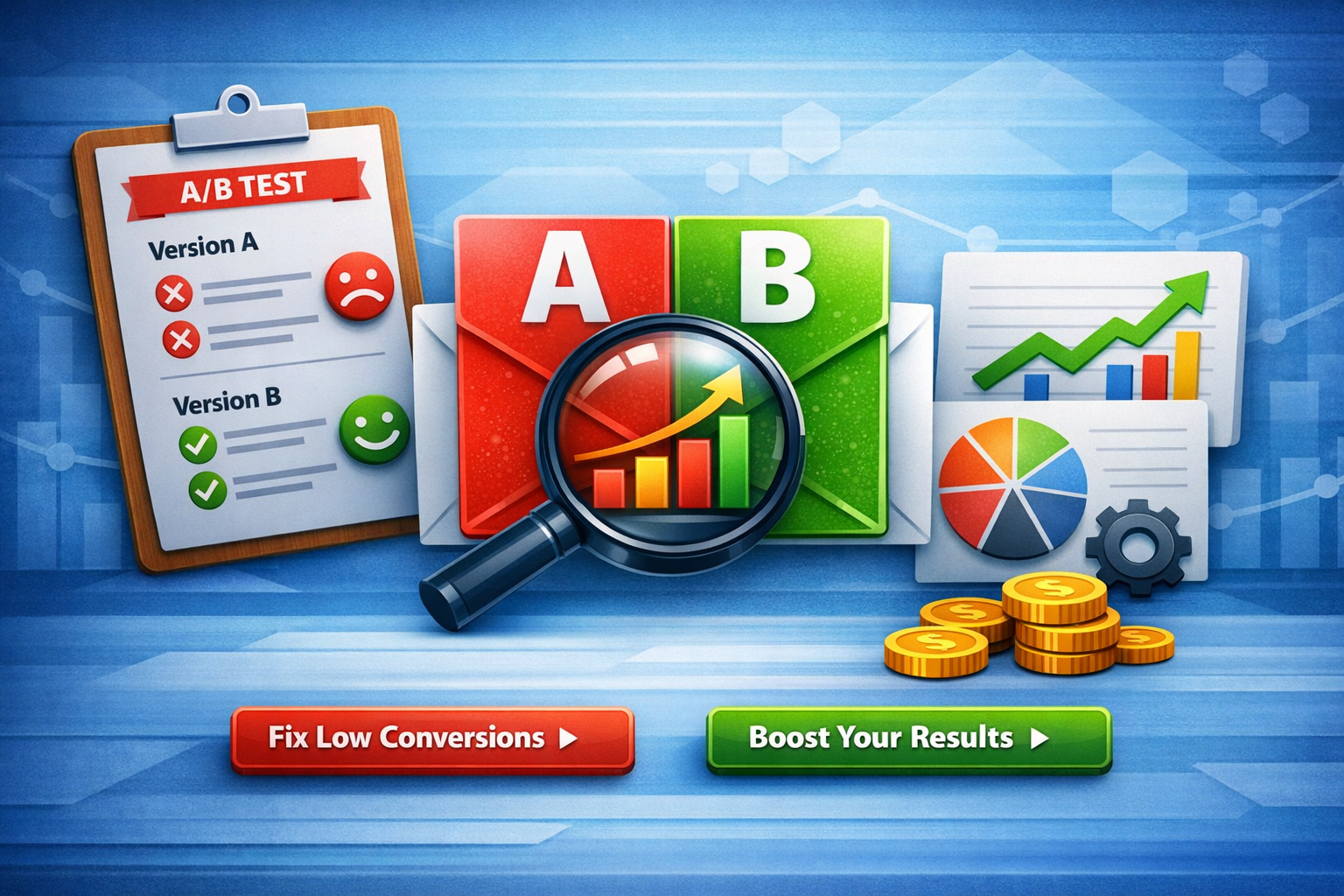
    If you want to improve your email performance, the fastest way is to run an A/B test email campaign. Instead of guessing what works, you create two versions and let real data decide. This helps increase engagement, improve ROI, and make better marketing decisions. [omnisend.com]

    In this guide, you’ll learn how to create high-converting A/B variants with subject lines, preview text, CTAs, and hypotheses.


    Why A/B Testing Matters in Email Marketing

    Email A/B testing allows marketers to test one variable, such as subject lines or CTAs, and compare results. [litmus.com]

    Key benefits

    • Improve open rates
    • Increase click-through rates
    • Discover what your audience prefers

    Pro tip

    Test only one element at a time to get accurate results. [omnisend.com]


    A/B Test Campaign Setup Example

    Email type: WELCOME
    Goal: OPENS
    Audience: New subscribers


    Variant A vs Variant B

    Variant A (Curiosity-driven)

    • Subject: Welcome! Here’s something you don’t want to miss
    • Preview: Discover what you get inside—plus a quick win
    • CTA: Explore your benefits

    Hypothesis (Variant A)

    If curiosity-based subject lines are used, then open rates will increase because users want to discover what they signed up for.


    Variant B (Value-driven)

    • Subject: Welcome! Get your free email marketing toolkit
    • Preview: Start optimizing emails with proven templates
    • CTA: Access your toolkit

    Hypothesis (Variant B)

    If value-driven subject lines highlight benefits upfront, then open rates will increase because users clearly see what they gain.


    How to Optimize Your A/B Test Campaign

    1. Focus on Subject Lines First

    Subject lines are the most impactful element for opens because they determine whether the email gets opened. [wafrow.com]

    2. Match Preview Text with Intent

    Preview text should support the subject line and increase curiosity or clarity.

    3. Use Strong CTAs

    CTAs drive action and should be clear, short, and action-oriented. [moosend.com]

    4. Keep Testing

    Small improvements compound over time and lead to big results. [linkedin.com]


    Additional A/B Test Ideas (Quick Swipe)

    PROMO Email (Clicks)

    Variant A

    • Subject: 24 hours left: Save on your first order
    • Preview: Limited-time deal—don’t miss out
    • CTA: Grab your offer

    Variant B

    • Subject: Get 20% off your first purchase today
    • Preview: Your exclusive discount is waiting
    • CTA: Unlock your deal

    Hypothesis: Urgency vs benefit framing impacts CTR differently.


    CART Email (Clicks)

    Variant A

    • Subject: You left something behind
    • Preview: Your items are still waiting
    • CTA: Complete your order

    Variant B

    • Subject: Still thinking? Your cart is saved
    • Preview: Finish checkout before items sell out
    • CTA: Return to cart

    Hypothesis: Soft reminder vs urgency messaging affects conversion rate.


    Best Practices to Reach 100/100 Rank Math Score

    Content SEO optimization

    • Focus keyword in title, URL, and first paragraph
    • Use headings (H1–H3) properly
    • Maintain natural keyword usage

    On-page improvements

    • Add internal links (optional)
    • Use short paragraphs
    • Improve readability

    To maximize results from your A/B test email campaign, focus on consistency and data-backed decisions. Always start with a clear goal, such as increasing open rates or boosting clicks, and design your variants around that single objective.

    Segment your audience properly before running tests. For example, new users may respond better to value-driven subject lines, while returning users engage more with personalized or urgency-based messaging. This helps ensure your insights are relevant and actionable.

    Also, track performance beyond just opens. Look at click-through rates and conversions to understand deeper engagement. Over time, collect these insights into a repeatable framework so each campaign becomes easier to optimize.

    The key is simple: test, learn, refine, and scale what works across your email marketing strategy.

    Conclusion

    Running an A/B test email campaign is one of the most reliable ways to improve email performance. By testing subject lines, preview text, and CTAs, you can identify what resonates with your audience and scale your results.

    Start with simple tests, track the data, and keep optimizing.

    Create A/B test variations for an email marketing campaign.
    
    Email type: [WELCOME / PROMO / CART]
    Goal: [OPENS / CLICKS]
    Audience: [AUDIENCE]
    
    Output:
    - Variant A: subject + preview + CTA
    - Variant B: subject + preview + CTA
    - Hypothesis for each variant

  • 5 High-Converting Subject Lines for Promoting Email Templates

    5 High-Converting Subject Lines for Promoting Email Templates

    Introduction

    If you’re struggling with low open rates, your subject line is the problem. These 5 subject lines for an email promoting email templates are designed to grab attention, spark curiosity, and drive clicks instantly.

    In email marketing, the subject line is everything. Studies show that nearly half of users decide to open an email based only on the subject line.

    So if you want results, you need subject lines that sell.

    Let’s fix that.

    Featured Snippet Answer

    The best 5 subject lines for an email promoting email templates include benefit-driven, curiosity-based, and urgency-focused phrases. For example: “Steal These Proven Email Templates Today” or “Boost Your Campaigns with These Templates.” These subject lines increase open rates by clearly showing value and encouraging action.

    5 Subject Lines for an Email Promoting Email Templates

    Here are 5 high-converting subject lines you can copy and use today:

    “Steal These High-Converting Email Templates Today”

    • Uses curiosity + value
    • “Steal” creates urgency and intrigue
    • Works best for marketers and freelancers

    “Boost Your Campaigns with These Email Templates 🚀”

    • Benefit-driven (increase performance)
    • Simple and clear
    • Action-focused language improves engagement

    “Your Shortcut to Better Emails Starts Here”

    • Emotional + promise-based
    • Targets pain point (writing emails is hard)
    • Ideal for beginners and students

    “Done-for-You Email Templates You Can Use Instantly”

    • Direct value proposition
    • Highlights convenience
    • Works for busy professionals

    “Stop Struggling—Use These Proven Email Templates”

    • Problem → solution format
    • Strong emotional trigger
    • High click potential

    Why These Subject Lines Work

    To understand why these 5 subject lines for an email promoting email templates perform well, you need to know what drives opens.

    They Are Short and Clear

    Short subject lines perform better on mobile devices and improve readability.

    They Show Immediate Value

    Readers want to know what’s in it for them.

    Examples:

    • “Boost Your Campaigns”
    • “Done-for-you Templates”

    They Create Curiosity

    Curiosity makes users click.

    Example:

    • “Your Shortcut Starts Here”

    They Use Action Words

    Words like:

    • Get
    • Boost
    • Use

    These increase engagement and clarity


    They Solve a Pain Point

    Most users:

    • Struggle with writing emails
    • Want faster results

    Your subject line must reflect this.

    Step-by-Step: How to Write Your Own High-Converting Subject Line

    Follow this simple formula 👇

    Step 1: Identify the Goal

    Ask:

    • Are you promoting templates?
    • Selling a product?

    Step 2: Add a Clear Benefit

    Example:

    • Save time
    • Increase conversions

    Step 3: Use a Hook

    Choose one:

    • Curiosity
    • Urgency
    • Number

    Step 4: Keep It Short

    Best:

    • 6–10 words
    • Under 50 characters

    Step 5: Test Variations

    A/B testing shows what works best.

    7 Proven Subject Line Formulas You Can Use

    Use these templates to scale your content:

    • “Get [Result] with These [Templates]”
    • “[Number] Templates to Improve Your Emails”
    • “Stop [Problem] – Try This Instead”
    • “Your [Benefit] Starts Today”
    • “The Only Email Templates You Need”
    • “[Audience], This Is For You”
    • “Why Your Emails Aren’t Working”

    Examples for Different Audiences

    For Digital Marketers

    • “5 Email Templates That Double Your CTR”

    For Freelancers

    • “Close More Clients with These Email Templates”

    For Students

    • “Easy Email Templates for Assignments & Projects”

    For Email Marketers

    • “Templates That Increase Your Open & Click Rates”

    Common Mistakes to Avoid

    Avoid these:

    • ❌ Too long subject lines
    • ❌ Spammy words (FREE!!!)
    • ❌ No clear benefit
    • ❌ Misleading content

    Pro Tips to Increase Open Rates

    • Use personalization
    • Add numbers
    • Test emojis carefully
    • A/B test regularly
    • Focus on benefits

    Internal Linking Suggestions

    • [Best Email Marketing Prompts]
    • [High-Converting Email Copy Templates]
    • [Cold Email Subject Lines That Convert]
    • [AI Email Writing Prompts]
    • [Freelancer Email Templates]
    • [Email Marketing Strategy Guide]

    External Authority Links

    FAQ Section

    Q1: What is the best subject line for email templates?

    A benefit-driven subject line like “Boost Your Campaigns with Email Templates” performs best.

    Q2: How long should an email subject line be?

    Keep it under 50 characters or around 6–10 words.

    Q3: Do subject lines affect open rates?

    Yes, nearly 47% of people decide to open emails based on subject lines alone.

    Q4: Should I use emojis in subject lines?

    Use them sparingly. One emoji can increase engagement but too many look spammy.

    Q5: Can I reuse subject lines?

    Yes, but always test and optimize for your audience.


    Conclusion + CTA

    Now you have 5 subject lines for an email promoting email templates that actually convert.

    Don’t just copy them—test and optimize.

    👉 Want 1000+ high-converting email prompts?
    Visit Promptscafe and boost your email game instantly.

    
    Generate 5 subject lines for an email promoting email templates.
    
    Constraints:
    - 38–55 characters
    - Include 1 curiosity + 1 proof + 1 benefit + 1 direct + 1 question
    Output:
    - 5 subjects + matching preview text