Tag: email copywriting

  • A/B Test Email Subject Lines: Pain vs Outcome (Version B Guide)

    A/B Test Email Subject Lines: Pain vs Outcome (Version B Guide)

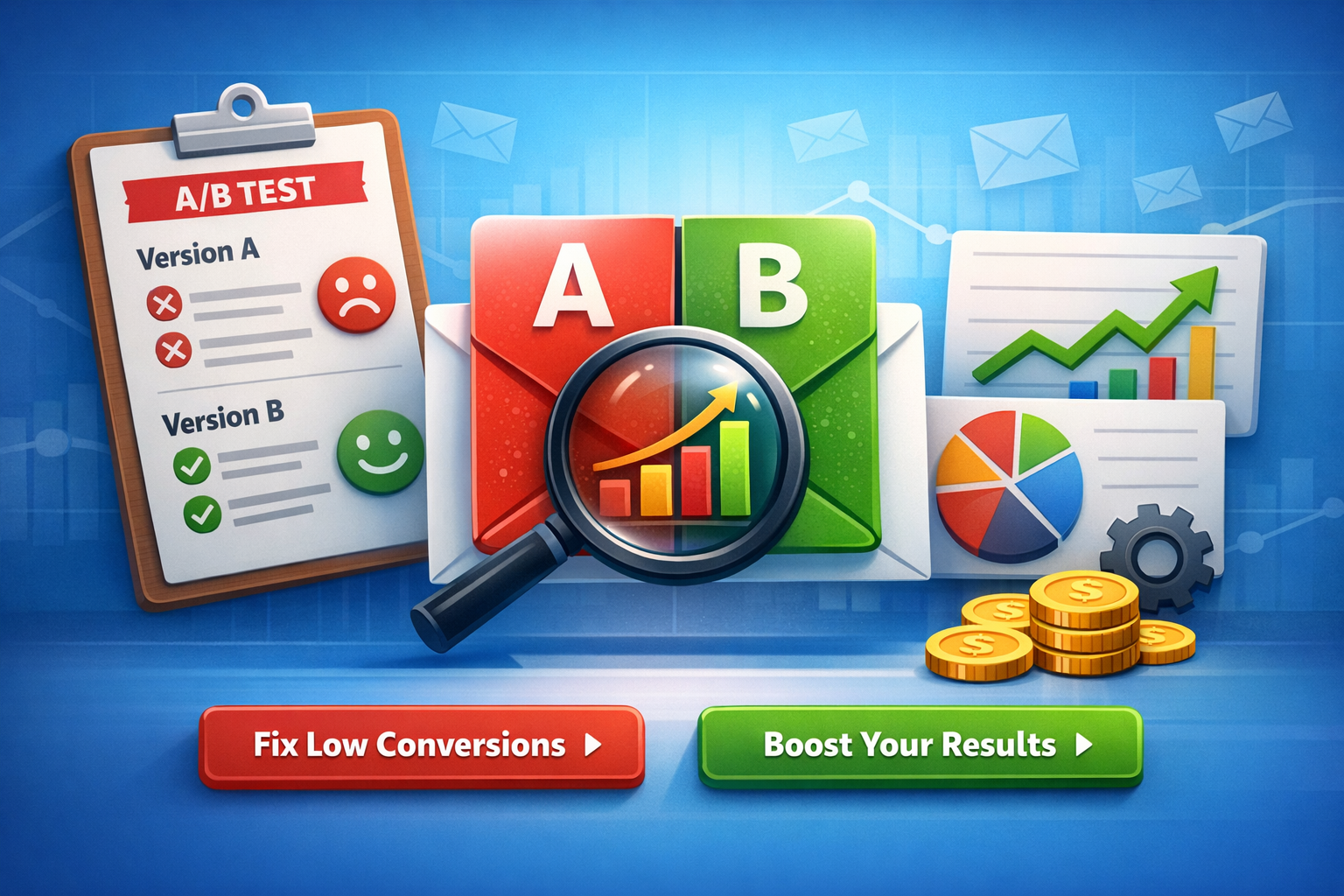
    If you want faster wins in email performance, A/B test email subject lines by changing only one lever at a time—angle. In this guide, you’ll create Version B variations from two proven angles: pain-led (what they’re struggling with) and outcome-led (what they’ll gain). You’ll also get ready-to-use subject + preview + CTA packs and a quick “who it’s best for” segment hint.

    What “Version B” Means (So You Test Cleanly)

    Version B is not a totally new email. It’s a controlled variation of Version A where you change one primary idea:

    • Angle (pain vs outcome)
    • Keep the rest steady (offer, audience, send time, layout, from-name)he 80/20 Rule for Better Tests
      Change one of these, not all at once:
      Subject line angle
      Preview text angle
      CTA language angle
      What to keep identical from Version A
      Same audience segment
      Same email body (or same hero section + offer)
      Same primary CTA destination
      Same send window
      Why this helps your results
      When only the angle changes, your lift (or drop) is easier to trust—and easier to scale across campaigns.
      Pain-Led vs Outcome-Led Angles (Simple Definitions)
      Pain-led angle (Version B)
      Focuses on the problem, friction, or risk your reader wants to avoid.
      Common themes: wasted time, low conversions, confusion, missed revenue, churn, overwhelm.
      Outcome-led angle (Version B)
      Focuses on the benefit, result, or desired transformation your reader wants.
      Common themes: more opens, more replies, faster setup, predictable growth, automation, clarity.

      How to Create Version B in 5 Minutes (Reusable Framework)
      Step 1 — Pick one promise (Outcome) or one frustration (Pain)
      Write one sentence:
      Pain: “I’m stuck with ____.”
      Outcome: “I want ____.”
      Step 2 — Choose a subject line formula
      Use one:
      Pain formula: “Still dealing with [pain]?” / “Stop [pain] in [time]”
      Outcome formula: “Get [outcome] in [time]” / “[Outcome] without [pain]”
      H3: Step 3 — Match preview text to the same angle
      Preview text should support the subject (not repeat it).
      H3: Step 4 — Align CTA with intent level
      Low intent → “See examples”, “Get the template”, “View the guide”
      Higher intent → “Start free”, “Book a demo”, “Activate automation”
      H3: Step 5 — Keep one variable primary
      If your test is subject angle, keep preview and CTA close to Version A.

      H2: Ready-to-Use Version B Packs (Pain vs Outcome)
      Below are A/B test-ready packs. Each includes:
      A: pain-led subject + preview + CTA
      B: outcome-led subject + preview + CTA
      Best for (segment hint)
      Tip: Swap placeholders like [product], [template], [workflow], [time], [goal].
      H3: Variation Set 1 — “Low opens” problem
      A (Pain-led)
      Subject: Your emails are being ignored (here’s why)
      Preview: Fix 3 common mistakes that kill opens—fast.
      CTA: Fix my subject lines
      B (Outcome-led)
      Subject: Increase email opens with 7 subject line upgrades
      Preview: Copy tested patterns you can use today.
      CTA: Get the upgrades
      Best for:
      A → cold/inactive lists, skeptical audiences
      B → warm audiences, growth-minded marketers

      H3: Variation Set 2 — “Time savings” automation angle
      A (Pain-led)
      Subject: Still writing emails from scratch every week?
      Preview: Use plug-and-play prompts to ship faster.
      CTA: Save me time
      B (Outcome-led)
      Subject: Write a week of emails in 30 minutes
      Preview: Prompts + examples to speed up your workflow.
      CTA: Get the prompt pack
      Best for:
      A → freelancers, busy founders, lean teams
      B → marketers already experimenting with AI workflows

      Variation Set 3 — “Revenue” conversion angle
      A (Pain-led)
      Subject: You’re losing sales in your follow-up emails
      Preview: Fix the CTA + timing with a simple test plan.
      CTA: Improve my follow-ups
      B (Outcome-led)
      Subject: Turn follow-ups into sales with this A/B test plan
      Preview: Use a repeatable structure for higher replies.
      CTA: See the plan
      Best for:
      A → audiences with clear conversion pain
      B → audiences looking for repeatable processes

      H3: Variation Set 4 — “SaaS onboarding” activation angle
      A (Pain-led)
      Subject: Users sign up… then disappear?
      Preview: Improve activation with one onboarding sequence tweak.
      CTA: Fix onboarding
      B (Outcome-led)
      Subject: Boost activation with a 3-email onboarding test
      Preview: Subject + preview + CTA combos included.
      CTA: Get the 3 emails
      Best for:
      A → founders noticing churn/low activation
      B → product-led SaaS teams optimizing lifecycle

      Variation Set 5 — “Prompt users” clarity angle
      A (Pain-led)
      Subject: Prompts not giving usable email copy?
      Preview: Try these prompt tweaks for clean outputs.
      CTA: Fix my prompts
      B (Outcome-led)
      Subject: Get high-converting email copy from prompts (faster)
      Preview: Copy-and-paste prompt formulas inside.
      CTA: Use the formulas
      Best for:
      A → beginners frustrated with AI output quality
      B → intermediate prompt users focused on speed

      Segment Hints (Who Pain vs Outcome Works Best For)
      Pain-led usually wins when…
      The reader is problem-aware but not solution-aware
      The list is cold, inactive, or skeptical
      You’re addressing an urgent business leak (time, money, churn)
      Outcome-led usually wins when…
      The reader is solution-aware and wants a faster path
      Your brand already has trust (warm list, engaged audience)
      The offer is simple to understand (template, toolkit, guide)
      Quick cheat-sheet
      Cold list → start pain-led
      Warm list → start outcome-led
      Unsure → test both with the same offer and timing
      Pro tip
      Don’t “over-drama” pain. Keep it respectful and specific, not exaggerated.

      What to Measure (And How to Call a Winner)
      Primary metrics
      Subject line test → Open rate (or unique opens)
      CTA test → Click-through rate (CTR)
      Offer test → Conversion rate (trial, signup, purchase)
      Simple test rules
      Run long enough to avoid tiny-sample noise
      Don’t change multiple elements mid-test
      Record results in a spreadsheet for repeat patterns

      Common Mistakes That Kill A/B Tests
      Mistake 1 — Changing subject, preview, and CTA at once
      Fix: Pick one “main variable.”
      Mistake 2 — Preview text repeats the subject line
      Fix: Use preview to add context or benefit.
      Mistake 3 — CTA doesn’t match the email promise
      Fix: If the subject promises “examples,” the CTA should deliver “examples.”
      Mistake 4 — Testing to “feel right,” not to learn
      Fix: Write a one-line hypothesis:
      “Pain-led will win for cold segment because…”
      Mistake 5 — Forgetting mobile
      Fix: Keep subjects short and front-load meaning.

      Copy-Paste Prompt (Optional) for promptscafe Users
      Prompt to generate Version B angles
      “Create a Version B for this email using two angles: pain-led and outcome-led. Return: subject line, preview text, CTA, and best segment hint. Keep it simple and non-clickbait.”
      Inputs to include
      Audience segment (cold/warm, role)
      Offer (template, demo, free trial)
      Primary goal (opens, clicks, replies)
      Output quality tip
      Ask for 5 options per angle, then pick the top 1–2 to test.

      FAQ (Quick Answers)
      Should I always test pain vs outcome?
      Not always—but it’s one of the fastest ways to learn what motivates your audience.
      Can I test both subject and preview together?
      Yes, but treat it as “angle test,” not a pure subject-only test.
      What if neither wins?
      Keep the best parts, adjust one variable, and rerun with a clearer segment split.

      Conclusion
      To improve results quickly, A/B test email subject lines by building Version B around a single angle: pain or outcome. Use the ready-made packs above, match them to the right segment, and track what consistently lifts opens and clicks—then scale the pattern across campaigns.
    Create A/B test variations (version B) focused on different angles: pain vs outcome.
    
    Output:
    - A: pain-led subject + preview + CTA
    - B: outcome-led subject + preview + CTA
    - Who each is best for (segment hint)
  • Trial to Paid Upgrade Email Sequence (Version B): 5 Emails That Convert

    Trial to Paid Upgrade Email Sequence (Version B): 5 Emails That Convert

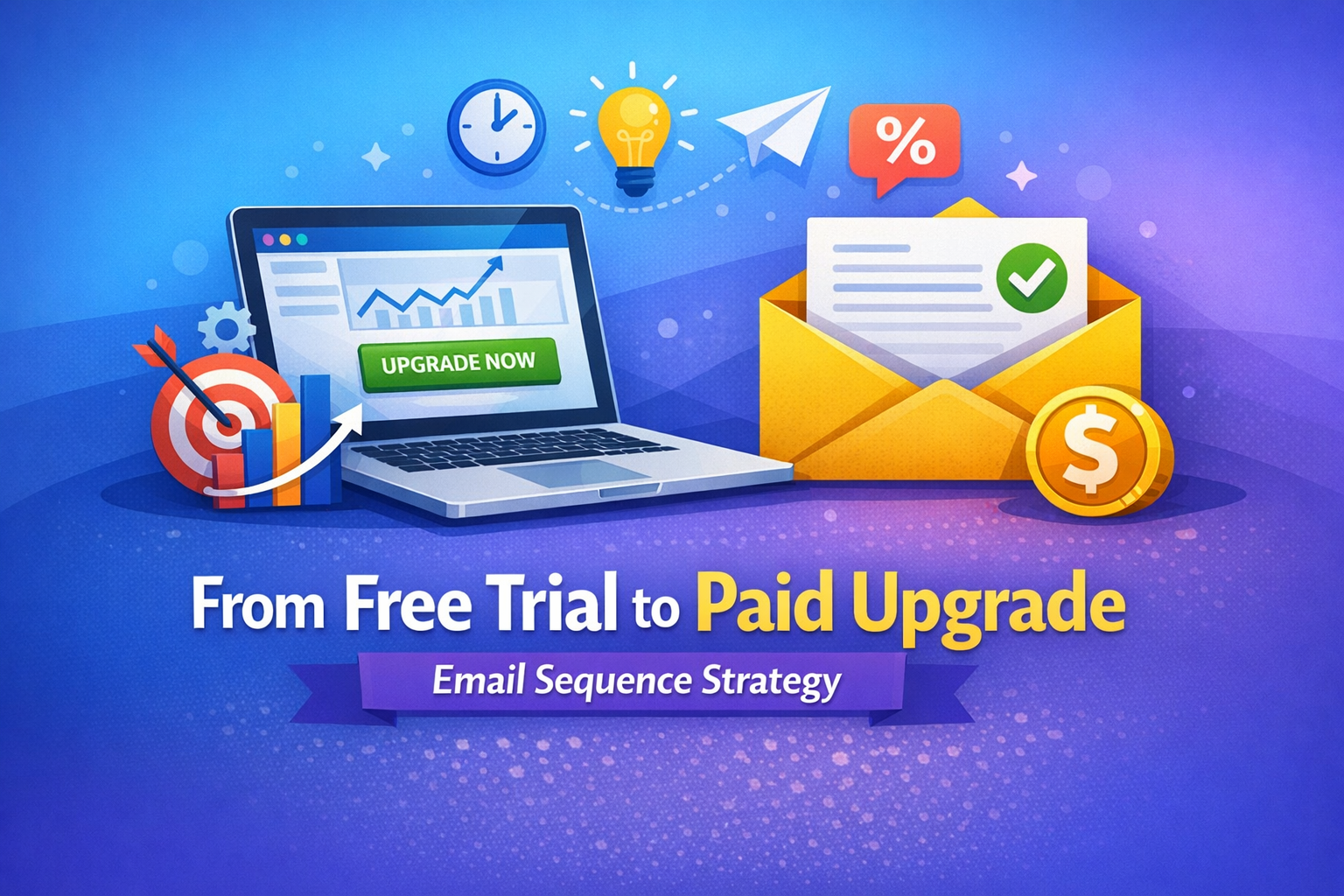
    If you’re looking for a trial to paid upgrade email sequence that moves users from “just testing” to “take my money,” you’re in the right place. This Version B sequence is built for faster time-to-value, clearer upgrade triggers, and stronger conversion psychology—without sounding pushy. It’s ideal for email marketers, SaaS founders, freelancers, and business owners who want a repeatable framework they can customize in minutes.

    Below, you’ll get 5 emails with timing, subject line, preview text, full body copy, and a single clear CTA for each message. Just replace the placeholders: [BRAND], [OFFER], and any feature names.


    How Version B Works (Quick Strategy)

    This version is designed around three levers that improve trial upgrades:

    1. Value proof early: show the first win within 24 hours.
    2. Usage-based nudges: tie upgrade to what they already did (or didn’t do).
    3. Risk removal: make the upgrade feel safe (guarantee, pause/cancel anytime, clear pricing).

    Goal: Convert trial users to paid by the end of the sequence with minimal churn.


    The 5-Email Trial → Paid Upgrade Sequence (Version B)

    Email 1 — Send: 1 hour after signup

    Subject: Welcome to [BRAND] — your first win in 10 minutes
    Preview: Set up [OFFER] fast and see results today.
    Body:
    Hey {{first_name}},

    Welcome to [BRAND] 👋
    You started your trial because you want [primary outcome]—and we can get you there quickly.

    Here’s the fastest way to get your first win today:

    Step 1: Do [action #1] (takes ~2 minutes)
    Step 2: Use this template: [template name]
    Step 3: Click “Run/Generate/Launch” and review your output

    Most users see a meaningful result after their first [core action]. If you get stuck, reply to this email and tell us what you’re trying to achieve—we’ll point you to the best workflow.

    Pro tip: Aim for one measurable outcome in your trial:

    • “Write 3 converting emails,” or
    • “Build 1 automated sequence,” or
    • “Launch 1 campaign this week.”

    CTA: Start your first workflow in [BRAND]


    Email 2 — Send: Day 1 (24 hours later)

    Subject: 3 quick ways to get more value from your trial
    Preview: These take under 15 minutes total.
    Body:
    Hi {{first_name}},

    If you want your trial to feel “worth it,” focus on repeatable wins. Here are three simple moves that help trial users become confident buyers:

    1) Use the “Done-for-you” framework

    Try: [best-performing template / playbook]
    It’s built to produce results even if you’re short on time.

    2) Plug in your real data

    Replace placeholders with: your audience, your offer, your goal, your tone.
    Real inputs = real outputs.

    3) Save your best output as a reusable asset

    Create a “Campaign Library” so you can reuse the same structure across launches.

    If you want, hit reply with your goal for the trial (example: “upgrade my welcome flow”), and we’ll suggest the best next step.

    CTA: Explore the highest-converting templates


    Email 3 — Send: Day 3

    Subject: You’re close — unlock the “upgrade” advantage
    Preview: What paid users get that trial users don’t.
    Body:
    Hey {{first_name}},

    By now you’ve seen what [BRAND] can do. The difference between “trial mode” and real results is usually consistency—and that’s where paid plans help.

    Here’s what upgrading unlocks (the parts that drive outcomes, not fluff):

    • More capacity: run more campaigns, outputs, or automations
    • Advanced features: [Feature A], [Feature B], [Feature C]
    • Speed + scale: less manual work, more repeatable conversions
    • Better control: branding, workflows, saving versions, team access

    If your goal is [primary outcome], the paid plan removes the limits that slow you down.

    Want a simple rule?
    If you plan to use [BRAND] more than [X times/week], upgrading is cheaper than the time you’ll spend doing it manually.

    CTA: Upgrade to unlock full access


    Email 4 — Send: Day 5 (social proof + objection handling)

    Subject: How users turn trials into revenue (no guesswork)
    Preview: A proven mini-case + a simple upgrade path.
    Body:
    Hi {{first_name}},

    Here’s what successful trial users do differently: they connect [BRAND] to one revenue goal and ship fast.

    Mini example (adaptable to any niche):
    A user wanted to convert more trials into paid customers. They used [BRAND] to:

    1. Draft a 5-email upgrade sequence
    2. Add product-led triggers (usage + milestones)
    3. Launch in one afternoon
      Result: a cleaner funnel, fewer “I’ll decide later” responses, and more upgrades.

    Common objections I hear during trials:

    “I don’t have time.”
    That’s exactly why you upgrade—so you can reuse assets and automate faster.

    “Not sure it fits my business.”
    If it helps you write, test, and automate campaigns quicker, it fits.

    “I’m worried I’ll waste money.”
    Start monthly. Cancel anytime. Keep what you create.

    If you want, reply with your product + audience and I’ll suggest the best upgrade angle for your emails.

    CTA: See pricing & pick a plan


    Email 5 — Send: Day 7 (final push + urgency)

    Subject: Your trial ends soon — keep your momentum
    Preview: Don’t lose access to what you built.
    Body:
    Hey {{first_name}},

    Quick heads-up: your trial is ending soon.

    If you’ve created anything valuable—templates, sequences, automations, outputs—you’ll want to keep access so you can keep improving and shipping.

    Here are two simple options:

    Option A (recommended): Upgrade now and keep everything running
    Best if you want consistent results and faster execution.

    Option B: Extend your learning curve (but slower)
    If you don’t upgrade, you may need to rebuild manually later.

    If you upgrade today, your next step is simple:
    Pick one campaign and run it end-to-end using your saved assets.

    You started this trial for a reason. Keep the momentum.

    CTA: Upgrade now to continue


    Customization Checklist (So It Fits Any [BRAND] + [OFFER])

    Use this checklist to tailor the trial to paid upgrade email sequence without rewriting from scratch:

    • Replace [primary outcome] with one clear result (ex: “launch campaigns faster”)
    • Add 2–3 real features users love (not a long list)
    • Add one proof element (testimonial, number, or short case)
    • Make each CTA a single action (no multiple links)

    FAQ (SEO + helpful)

    Q: How many emails should a trial upgrade sequence have?
    A 5-email sequence is a strong baseline because it covers activation, value, objections, proof, and urgency without overwhelming subscribers.

    Q: When should I start asking for the upgrade?
    Start softly by Day 3, once the user has a chance to experience value.

    Q: Should I use discounts?
    Discounts can work, but feature/value framing often converts better and attracts healthier customers.

    
    Write a full funnel email sequence (version B) for a different goal: trial → paid upgrade.
    
    Brand: [BRAND]
    Offer: [OFFER]
    Audience: trial users
    Output:
    - 5 emails with timing + subject+preview+body+CTA

  • High-Converting Webinar Invitation Email (Version B) with Agenda & CTA

    High-Converting Webinar Invitation Email (Version B) with Agenda & CTA

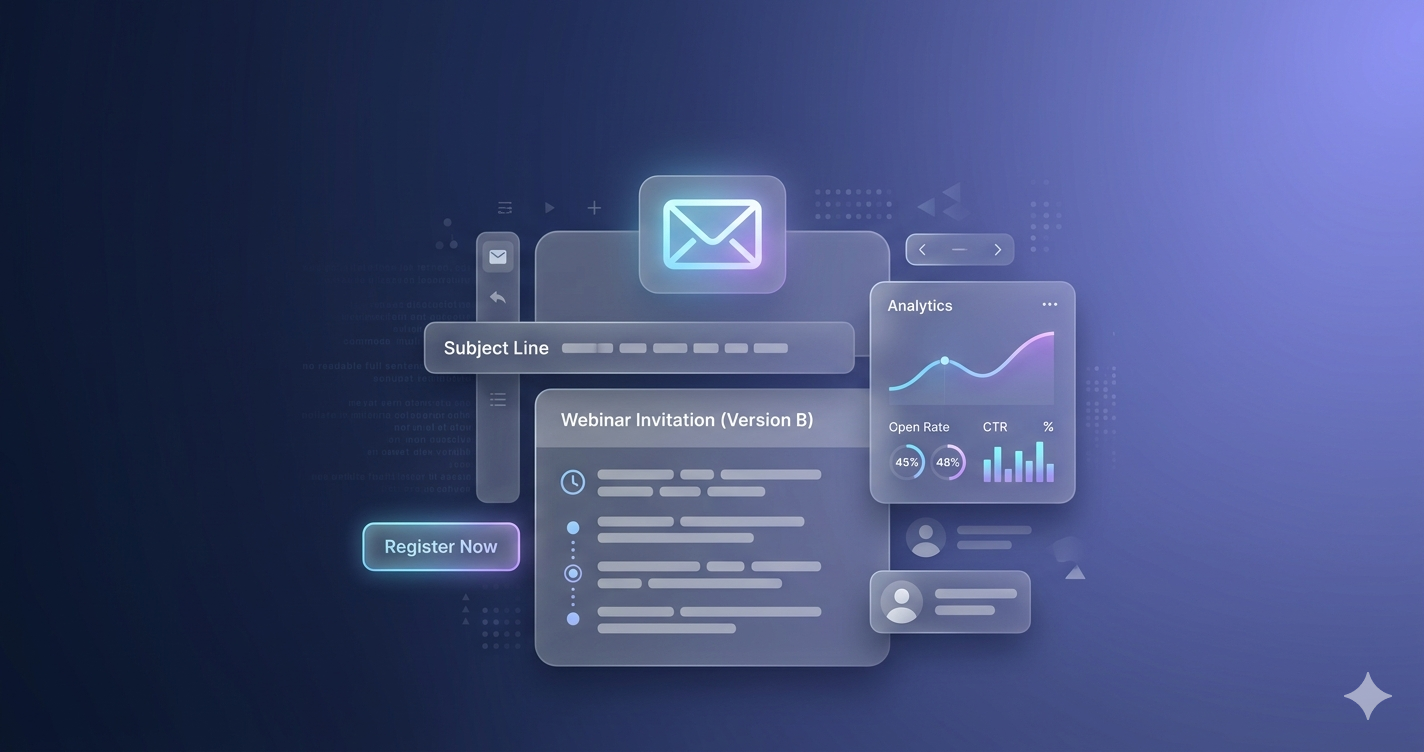
    A webinar invitation email (version B) with agenda bullets can make or break your event success. Your email is not just an invite—it’s your conversion tool.

    If your subject line, agenda, and CTA are not clear, people won’t register.

    A well-structured webinar email highlights value, includes key details, and drives action. Studies show email is one of the most effective ways to drive webinar registrations.

    Let’s create one that actually converts.

    Featured Snippet Answer

    A webinar invitation email (version B) with agenda bullets includes a strong subject line, preview text, clear agenda points, speaker credibility, and a clear CTA. This format improves clarity, builds trust, and increases registrations by showing exactly what attendees will learn and gain.

    Webinar Invitation Email (Version B) with Agenda Bullets

    Why This Webinar Invitation Email Works

    This version focuses on clarity, structure, and action.

    A high-converting webinar invite must include:

    • Clear topic
    • Agenda bullets
    • Speaker credibility
    • Strong CTA

    Emails that highlight what attendees will learn perform better because they show value upfront.

    Webinar Invitation Email (Version B) with Agenda Bullets

    ✅ Subject Line + Preview

    Subject:
    Join Our Free Webinar: Boost Your Email Results

    Preview Text:
    Learn proven strategies, see real examples, and upgrade your email marketing fast.

    ✅ Body

    Hi [First Name],

    Want better results from your emails?

    Join our live webinar where we break down simple and proven strategies you can use right away.

    ✅ What You’ll Learn:

    • How to write emails that get opened and clicked
    • The best templates for fast, high-converting campaigns
    • Mistakes that kill your email performance

    👤 Speaker:
    Led by an experienced email marketing strategist with 7+ years helping brands increase conversions.

    This session is practical, simple, and results-driven.

    👉 Save Your Seat Now

    Spots are limited—reserve yours before registration closes.

    Structure Breakdown (Step-by-Step)

    Use this format for every webinar email 👇

    Step 1: Start with a Clear Subject Line

    Your subject decides if your email gets opened.

    Best practices:

    • Keep it short
    • Show value
    • Include “webinar”

    Step 2: Add a Preview Text

    Preview supports the subject.

    Example:

    • “Learn 3 strategies to boost conversions”

    Step 3: Open with a Hook

    Example:
    “Want better results from your emails?”

    This creates instant interest.

    Step 4: Add Agenda Bullets

    Use 3–5 bullets.

    Why?

    • Easy to scan
    • Improves clarity
    • Shows value instantly

    Step 5: Build Credibility

    Mention:

    • Experience
    • Achievements
    • Results

    A credible speaker increases registrations because trust drives action

    Step 6: Add a Strong CTA

    CTA must be:

    • Clear
    • Action-based
    • Visible

    Example:
    👉 Save Your Seat

    Emails with clear CTAs improve conversions significantly.

    5 Variations of Webinar Subject Lines

    Use these:

    • “You’re Invited: Free Webinar on Email Growth”
    • “Boost Your Email Open Rate (Free Webinar)”
    • “Learn Email Marketing Live – Save Your Spot”
    • “Free Training: Email Templates That Convert”
    • “Join Us Live: Email Strategy Webinar”

    Examples for Different Audiences

    Digital Marketer

    “Master email campaigns that convert leads into customers.”

    Freelancer

    “Use proven templates to win more clients fast.”

    Students

    “Learn simple email strategies to build your skills.”

    Email Marketer

    “Improve open rates and conversions instantly.”

    Common Mistakes to Avoid

    • ❌ No clear agenda
    • ❌ Weak subject line
    • ❌ No CTA
    • ❌ Too much text
    • ❌ No speaker credibility

    Pro Tips to Increase Registrations

    • Keep emails short
    • Use bullet points
    • Highlight benefits
    • Add urgency
    • Test subject lines

    Internal Linking Suggestions

    • [Best Email Subject Lines]
    • [Email Marketing Prompts]
    • [Cold Email Templates]
    • [Freelancer Client Outreach Emails]
    • [AI Email Writing Prompts]
    • [High-Converting Email Copy]

    External Authority Links

    FAQ Section

    Q1: What is a webinar invitation email?

    A webinar invitation email invites users to attend an online event and encourages registration.

    Q2: Why use agenda bullets in webinar emails?

    Agenda bullets improve readability and clearly show what attendees will learn.

    Q3: How many agenda bullets should I use?

    Use 3–5 bullets to keep it simple and effective.

    Q4: What makes a webinar email high converting?

    Clear value, strong subject line, credibility, and a strong CTA.

    Q5: Should I include speaker details?

    Yes, it builds trust and increases registrations.

    Now you have a webinar invitation email (version B) with agenda bullets that is simple, clear, and high converting.

    Use this format to increase your webinar registrations instantly.

    👉 Want more ready-to-copy templates?
    Explore Promptscafe for high-converting email prompts and templates.

    Write a webinar invitation email (version B) with agenda bullets.
    
    Include:
    - 3 agenda bullets
    - 1 speaker credibility line
    Output:
    - Subject + preview
    - Body
    - CTA